InlineGeometry
Overview
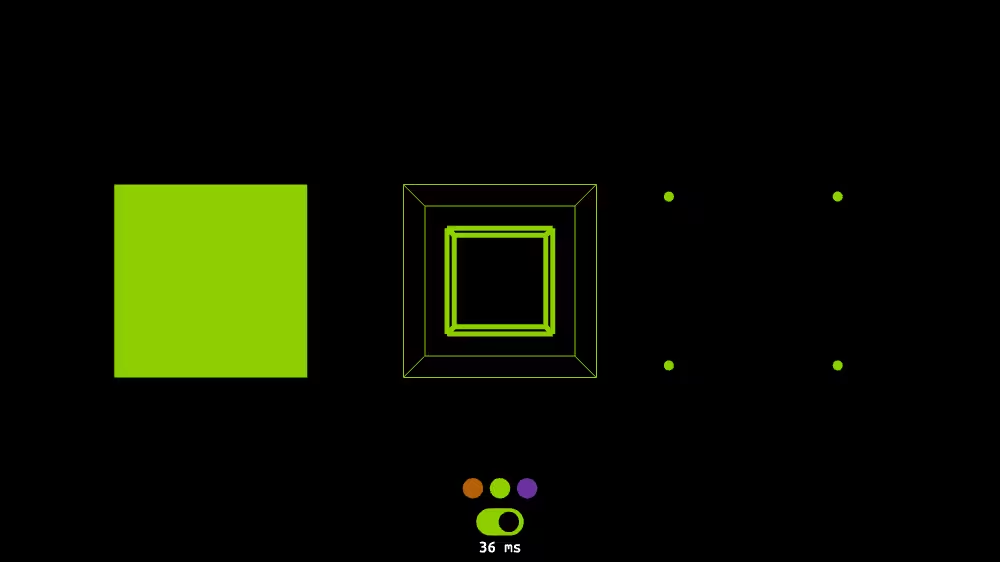
InlineGeometry loads geometry from an external file. The result provides a polygonal mesh, set of lines, point cloud, parametric surface, or other geometry. Supported formats are browser dependent and can include STL and PLY mesh files.
The InlineGeometry node belongs to the Networking component and requires at least support level 4, its default container field is geometry. It is available from X3D version 4.1 or higher.
Info: Please note that this node is still experimental, i.e. the functionality of this node may change in future versions of X_ITE.
Hierarchy
1
2
3
+ X3DNode
  + X3DGeometryNode
    + InlineGeometry (X3DUrlObject)*
* Derived from multiple interfaces.
Fields
| Type | Access Type | Name | Default Value |
|---|---|---|---|
| SFNode | [in, out] | metadata | NULL |
| SFString | [in, out] | description | ”” |
| SFBool | [in, out] | load | TRUE |
| MFString | [in, out] | url | [ ] |
| SFTime | [in, out] | autoRefresh | 0 |
| SFTime | [in, out] | autoRefreshTimeLimit | 3600 |
SFNode [in, out] metadata NULL [X3DMetadataObject]
Information about this node can be contained in a MetadataBoolean, MetadataDouble, MetadataFloat, MetadataInteger, MetadataString or MetadataSet node.
Hint
SFString [in, out] description “”
Author-provided prose that describes intended purpose of the url asset.
Hint
- Many XML tools substitute XML character references for special characters automatically if needed within an attribute value (such as & for & ampersand character, or " for “ quotation-mark character).
SFBool [in, out] load TRUE
load=true means load immediately, load=false means defer loading or else unload a previously loaded asset.
Hints
- Allows author to design when Inline loading occurs via user interaction, event chains or scripting.
- Use a separate LoadSensor node to detect when loading is complete.
MFString [in, out] url [ ] [URI]
Address of X3D world to load Inline with current scene, retrieved either from local system or an online address. Browser support for X3D model support can include allowed file formats for XML .x3d, ClassicVRML .x3dv, X3D Binary .x3db, X3D JSON .json, and Virtual Reality Modeling Language (VRML97) .wrl.
Hints
- Support includes .gltf and .glb https://en.wikipedia.org/wiki/glTF
- Future work planned for PLY form
- Future work planned for STL form
- MFString arrays can have multiple values, so separate each individual string by quote marks “https://www.web3d.org” “https://www.web3d.org/about” “etc.”
- Alternative XML encoding for quotation mark “ is " (which is an example of a character entity).
- Can replace embedded blank(s) in url queries with %20 for each blank character.
- X3D Scene Authoring Hints, urls
Warnings
- GlTF support requires X3D version=’4.0’ and
profile='Full'or else<component name='Networking' level='4'/><component name='Shape' level='4'/><component name='Lighting' level='4'/> - Strictly match directory and filename capitalization for http links! This is important for portability. Some operating systems are forgiving of capitalization mismatches, but http/https url addresses and paths in Unix-based operating systems are all case sensitive and intolerant of uppercase/lowercase mismatches.
- Direct or indirect recursion by Inline and/or ExternProtoDeclare url reloading is a security error.
SFTime [in, out] autoRefresh 0 [0,∞)
autoRefresh defines interval in seconds before automatic reload of current url asset is performed.
Hints
- If preceding file loading fails or load field is false, no refresh is performed.
- Repeated refresh attempts to reload currently loaded entry of url list. If that fails, the browser retries other entries in the url list.
Warning
- Automatically reloading content has security considerations and needs to be considered carefully.
SFTime [in, out] autoRefreshTimeLimit 3600 [0,∞)
autoRefreshTimeLimit defines maximum duration that automatic refresh activity can occur.
Hint
- Automatic refresh is different than query and response timeouts performed by a networking library while sequentially attempting to retrieve addressed content from a url list.
Warning
- Automatically reloading content has security considerations and needs to be considered carefully.
Supported File Formats
| Encoding | File Extension | MIME Type | Comment |
|---|---|---|---|
| X3D XML | .x3d, .x3dz | model/x3d+xml | X3D Encoding: XML |
| X3D JSON | .x3dj, .x3djz | model/x3d+json | X3D Encoding: JSON |
| X3D Classic VRML | .x3dv, .x3dvz | model/x3d+vrml | X3D Encoding: Classic VRML |
| VRML 2.0 | .wrl, .wrz | model/vrml | X_ITE VRML Viewer |
| glTF | .gltf, .glb | model/gltf+json | glTF Support |
| VRM | .vrm | model/vrm | About VRM |
| Wavefront OBJ | .obj | model/obj | |
| STL | .stl | model/stl | ASCII & Binary |
| PLY | .ply | model/ply | ASCII & Binary |
| SVG Document | .svg, .svgz | image/svg+xml |
Tip: All files can be compressed using GZip compression (usually denoted by a ‘z’ at the end of the filename suffix). This saves bandwidth and speeds up download time.
Advice
Hints
- Wikipedia, STL (Standard Triangle Language or Standard Tessellation Language)
- Wikipedia, PLY (Polygon File Format or Stanford Triangle Format)
- Example
Example
Browser Compatibility
| Castle Game Engine | FreeWRL | X_ITE X3D Browser | X3D-Edit | X3DOM |
|---|---|---|---|---|